 Sahabat Teknologi
ERP & Software
When Should Your Business Stop Relying on Excel and Move to an ERP System?
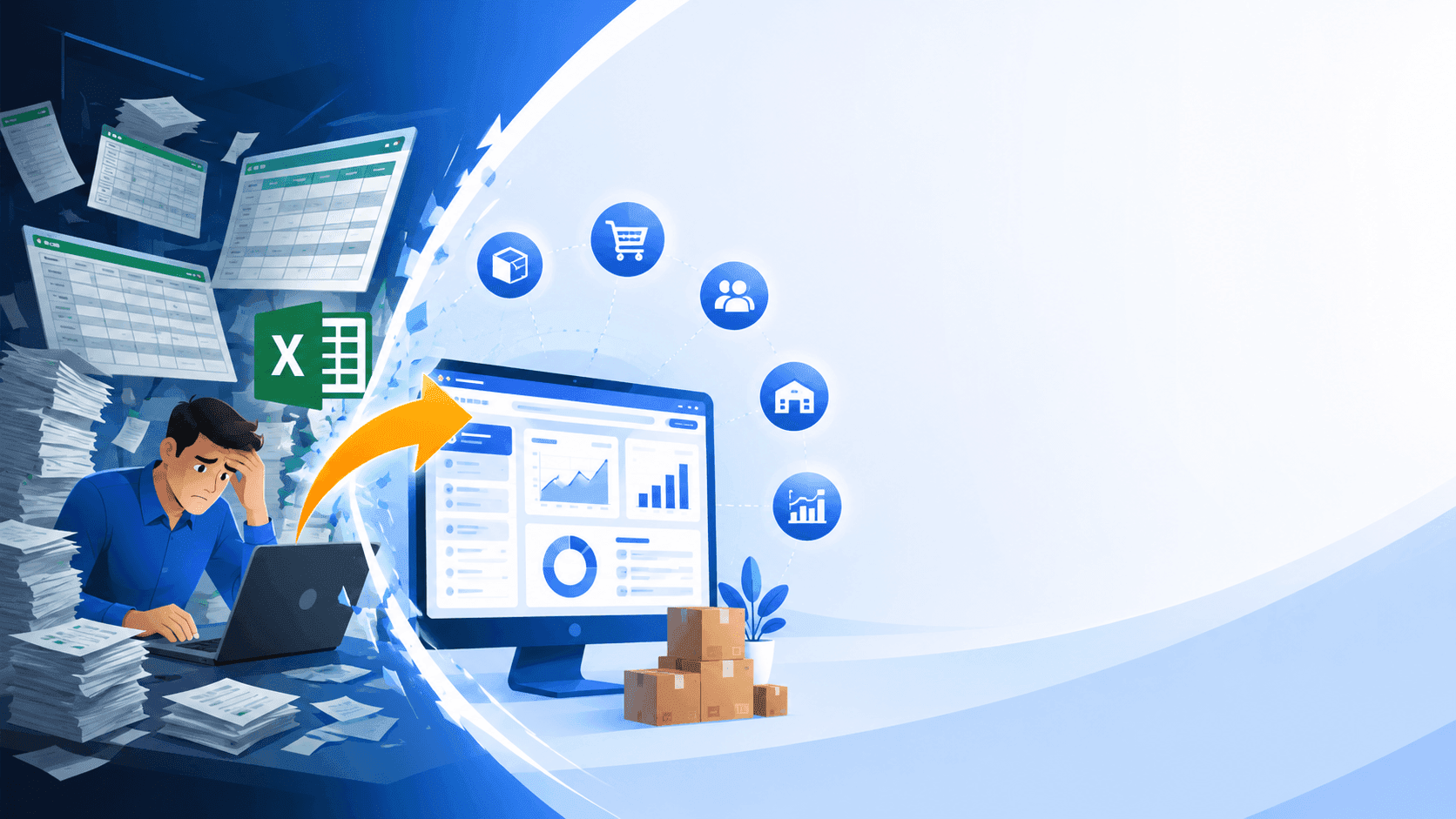
Many business owners ask when to use ERP and whether Excel is still enough to run daily operations. The answer depends less on company size and more on operational complexity. If inventory discrepancies, duplicate data entry, delayed reports, and disconnected teams are becoming routine, it is usually the right time to move from spreadsheets to an ERP system that provides a single source of truth.
When is the right time to replace Excel with an ERP system?
One of the most common questions we hear is when to use ERP instead of continuing with Excel. In reality, Excel is not the problem. It remains an excellent tool for calculations, budgeting, forecasting, and small-scale operations managed by one or two people.
The challenge begins when Excel becomes the operational backbone of the entire company. Sales maintains one spreadsheet, purchasing has another, warehouse staff update a separate inventory file, and accounting builds reports from yet another version. Before long, management meetings are spent reconciling numbers instead of making business decisions.
At Sahabat Teknologi, we frequently encounter this situation while working with distributors, retailers, manufacturers, service companies, and growing SMEs. Most of them started with a single spreadsheet, which gradually expanded into dozens of interconnected files for sales, purchasing, inventory, receivables, payments, and financial reporting. The larger the business becomes, the more difficult it is to ensure every file stays synchronized.
Many entrepreneurs assume ERP is only for large corporations. In practice, business complexity is a much better indicator than company size. A business with two warehouses, multiple sales channels, and thousands of monthly transactions often needs ERP sooner than a larger company with relatively simple operations.
- Excel works well for simple operations with limited transactions.
- ERP becomes valuable when multiple departments rely on the same data.
- The more spreadsheets a business depends on, the higher the operational risk.
- Business complexity matters more than employee count.
Seven practical signs that Excel is slowing your business down
If you are unsure when to use ERP, evaluate your daily workflow instead of focusing on software features. Certain operational patterns consistently indicate that spreadsheets are no longer sufficient.
The first warning sign is inventory inaccuracy. Sales staff believe products are available because they are looking at an outdated spreadsheet, while the warehouse has already shipped those items. This is especially common for businesses selling through physical stores, company websites, WhatsApp, and online marketplaces simultaneously.
The second sign is repetitive data entry. A customer order may arrive through WhatsApp, then be copied into a sales spreadsheet, entered again into inventory records, recreated for invoicing, and finally recorded for accounting. Every additional manual step increases the chance of human error.
The third sign is delayed reporting. Instead of reviewing yesterday's sales today, management waits several days after month-end before receiving reliable financial reports. By then, opportunities to respond quickly may already be lost.
The fourth sign is spreadsheet version confusion. File names such as "Sales Final", "Sales Final Updated", and "Sales Final Final Version" are surprisingly common. These naming conventions usually indicate that employees no longer trust a single source of data.
The fifth sign appears when the company expands into multiple branches or warehouses. Consolidating inventory manually becomes increasingly difficult and often produces inconsistent stock figures.
The sixth sign is collaboration problems. As more employees edit the same spreadsheet, accidental overwrites, file corruption, and conflicting changes become routine.
Finally, the most serious sign is when business owners stop trusting their own reports. If every important number requires manual verification before making a decision, the company is already paying a significant hidden operational cost.
- Inventory frequently differs from physical stock.
- The same information is entered multiple times.
- Financial reports are consistently delayed.
- Employees maintain multiple spreadsheet versions.
- The business operates multiple branches or warehouses.
- Many users edit the same files simultaneously.
- Management no longer fully trusts operational reports.
ERP is not just replacing Excel—it changes how your business operates
A common misconception is that ERP is simply a more expensive spreadsheet. The real value of ERP lies in connecting business processes instead of storing isolated data.
Imagine a wholesale business receiving an order through WhatsApp. In an ERP system, the employee creates a single Sales Order. Once delivery is confirmed, inventory is updated automatically, the invoice is generated, accounts receivable are recorded, sales dashboards refresh instantly, and management can monitor business performance without waiting for manual reports.
With spreadsheet-based workflows, each of these activities typically requires manual updates in multiple files. Missing even one step can create inconsistencies between inventory, sales, finance, and purchasing.
ERP also introduces structured access control. Warehouse employees only access warehouse functions, finance teams work within accounting modules, and executives receive complete business dashboards. This level of security and operational control is difficult to achieve with spreadsheets alone.
Another important capability is workflow approval. Companies can configure purchasing or sales approvals based on transaction values, departments, or management hierarchy, helping reduce financial mistakes and improve accountability.
- One transaction updates multiple business modules automatically.
- Information is entered only once.
- User permissions improve security and accountability.
- Approval workflows reduce operational risk.
- Real-time dashboards support faster decision-making.
How do you know your business is ready for ERP?
Choosing when to use ERP should not be based on software trends. It should be based on measurable operational pain points.
Our recommendation is to start by mapping your current business processes. Identify where employees spend most of their administrative time. Some businesses struggle with inventory control, while others lose efficiency in purchasing, customer billing, approval workflows, or financial reporting.
Next, estimate how much time employees spend copying information between spreadsheets. Those repetitive administrative tasks rarely create value for customers, yet they consume valuable working hours every week.
Data quality is equally important. Duplicate customer records, inconsistent product codes, and poorly maintained master data can significantly slow ERP implementation. Cleaning your data before migration almost always reduces project complexity.
Many ERP projects fail because organizations focus on selecting software before improving their internal processes. Successful implementation begins with operational readiness rather than technology alone.
- Document existing business processes.
- Measure time spent on manual administrative work.
- Clean and standardize master data before migration.
- Implement ERP gradually based on business priorities.
Conclusion: Don't wait until manual work becomes your biggest expense
Deciding when to use ERP is ultimately a business decision rather than a technology decision. Companies should evaluate the hidden cost of manual processes, including inventory errors, duplicated work, delayed reporting, and poor visibility across departments.
Excel will continue to be an excellent analytical tool for budgeting, financial modeling, and ad hoc reporting. However, once spreadsheets become the primary operational platform for multiple teams, maintaining accuracy becomes increasingly difficult as the business grows.
If your organization is expanding into multiple locations, processing more transactions, managing larger inventories, or serving customers through multiple sales channels, it is probably time to consider ERP. The most successful implementations do not begin by purchasing the most expensive software. They begin by understanding business processes, identifying operational bottlenecks, and selecting an ERP solution that fits the company's actual workflow. Businesses that take this approach typically achieve better operational efficiency, more reliable reporting, improved collaboration, and stronger long-term scalability.